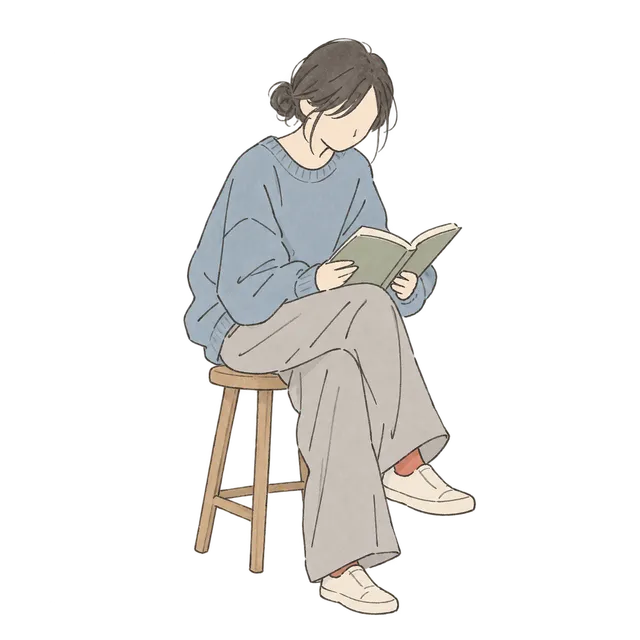
When adding line art to a journal, decide where your writing will go before placing the illustrations. A small cup can sit beside the date, while a seated reader can accompany a book note. Choose a motif that fits the entry and leave space between the image and your words.
ゆっくり過ごす一日 contains eight transparent PNG illustrations of people and everyday objects. These AI-generated images have a hand-drawn look, with thin lines and pale blue accents. The layouts below show ways to use the collection in a paper journal or digital planner.
Choosing line art for a journal page
For a page with plenty of writing, try an illustration with a clear outline and no background. Each person or object in this collection is a separate image. You can choose the piece that fits your entry without placing an entire room on the page.
One way to coordinate the page is to use the pale blue of the cup or tote as an accent. Add the plant's green or the chair's brown in a smaller area, and use the same pen color for the date and body text. This can help keep the writing easy to find as you add decorations.
Check the image after reducing its size. If the thin lines become hard to see, make it a little larger or move it away from a photograph or patterned background.
A coffee cup beside the date
Place the coffee cup beside the date at the upper left, then write where you drank it or what it tasted like below. For a day when you brewed coffee at home, try a small pour-over kettle in the open space near the bottom.

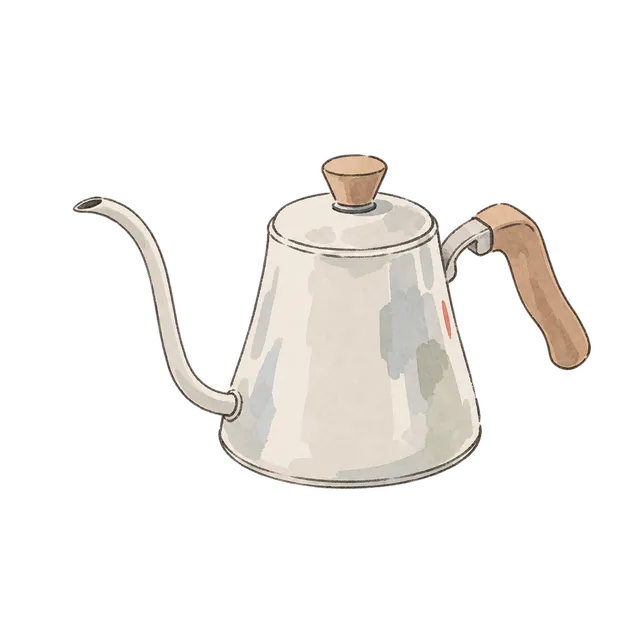
If you include a café photo, place the cup outside its edge and leave room for the café name. A transparent background does not make the cup itself transparent. Keep the illustration apart from the photo when you want to preserve a view of the food or a sign.
Space between a reader and a book note
Try placing the person reading in a blue sweater outside the writing area, with the book title and your thoughts beside them. You can also experiment with putting the text on the side the reader faces.
For a short note, the open journal can sit beside the heading. The wooden chair can occupy a small corner. When the entry grows longer, keep one illustration and give the writing more room.

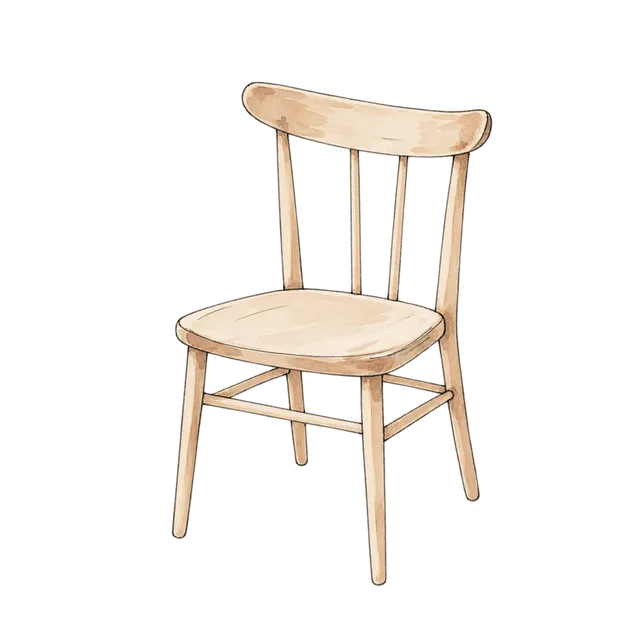
Small everyday motifs in a weekly spread
Try the blue tote beside a day out and the plant beside a watering note. The seated person holding a cup can accompany a reflection on a restful day.
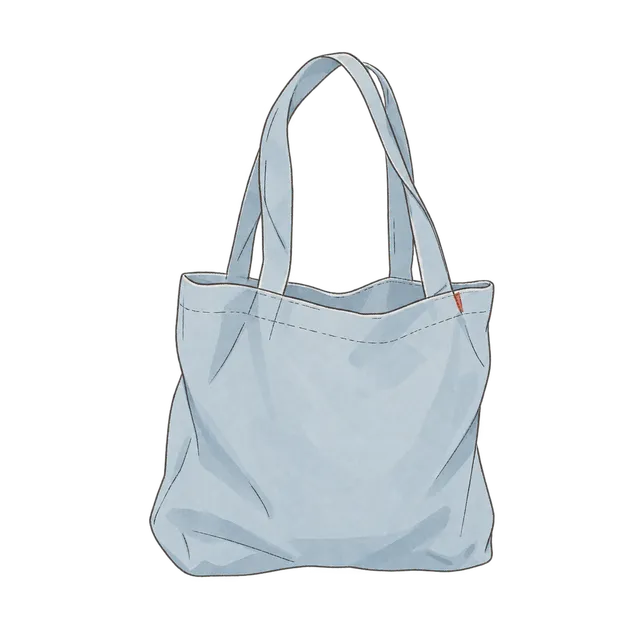
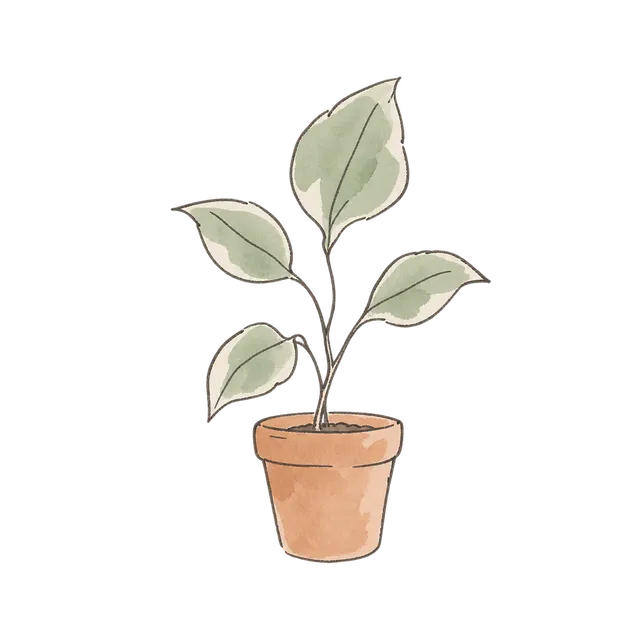
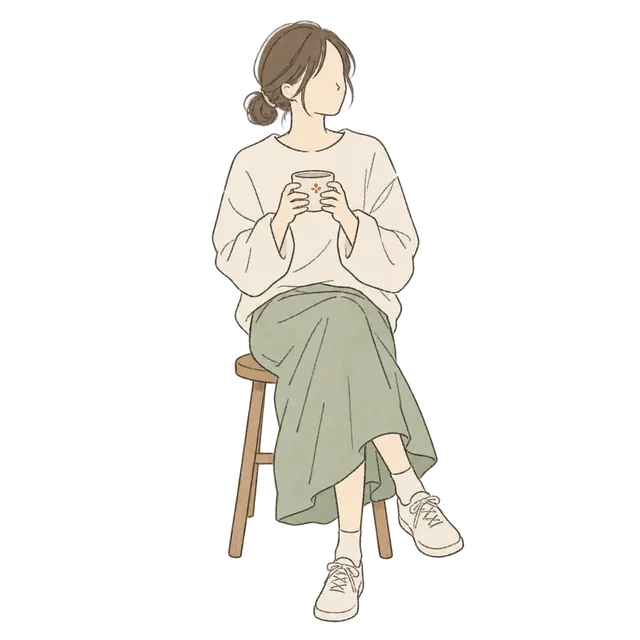
Write the appointments first, then place illustrations in the remaining space. For a recurring activity, you can reuse the same motif at the same size throughout the week.
Adding transparent PNGs to a digital journal
Every original image in this collection is a 1254 × 1254-pixel PNG. The background is transparent, so you can place the image over your page. Pale cream clothing and the journal's paper contain color and will cover parts of the text or photos underneath them.
- Sign in on the collection page.
- Check the conditions shown when downloading.
- Extract the downloaded ZIP.
- Add the PNG you want using your journal app's image import feature.
- Reduce its size while keeping its proportions.
- Move it clear of your writing.
If you see a white rectangle, check whether you imported a screenshot or an image converted to JPEG. Import the downloaded PNG directly and check it against a page color other than white. Change the zoom level in your app to inspect the thin lines.
For a paper journal, make a test print at the size you plan to use. Leave room around the illustration for cutting, and decide where the writing will go before choosing a place to attach it.
Related X posts about linework and color
Oogie's lifestyle illustration post describes thin pen lines, soft watercolor-style color and broad areas of negative space. For a journal, one useful way to view the scene is to select a person or object that fits the entry.
A street illustration post from the same account also pairs a blue door and potted plants with pale building colors. The post credits @hermes_agent_kr on Threads as the creator. It is included here as a color reference.
The layouts in this article are suggestions using Petalumi's illustrations. Start by choosing one image that fits the day you want to record.
Collection · 8 illustrationsゆっくり過ごす一日View collection