
Build a New York travel journal page around a photograph and a detail you remember from that day. A yellow cab can mark a journey, a pizza slice can accompany a meal note, and a bridge can sit beside a record of a walk. Leave space for your own words as you place the illustrations.
Little New York Moments contains nine transparent PNG illustrations with an ink and colored-pencil look. These AI-generated images include city landmarks and small everyday objects. The layouts below suggest ways to use them in a digital travel journal or a printed scrapbook.
One photograph with room for the date
Choose a photograph that gives the page its setting, then add the date and location below it. Try the Statue of Liberty illustration beside an entry about a day when you saw it. The Times Square tower can accompany a photograph or note from a visit to the area.
Keep the illustration outside the part of the photograph you want to preserve. If both images show the same landmark, try a small sticker beside the caption. On a text-heavy page, one tall illustration in the margin can leave more room for the story you want to tell.
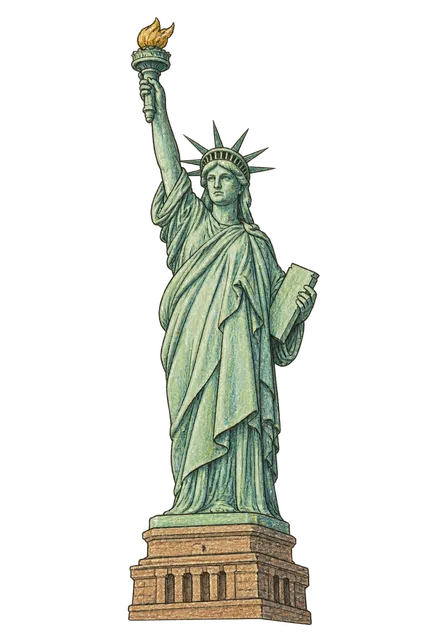
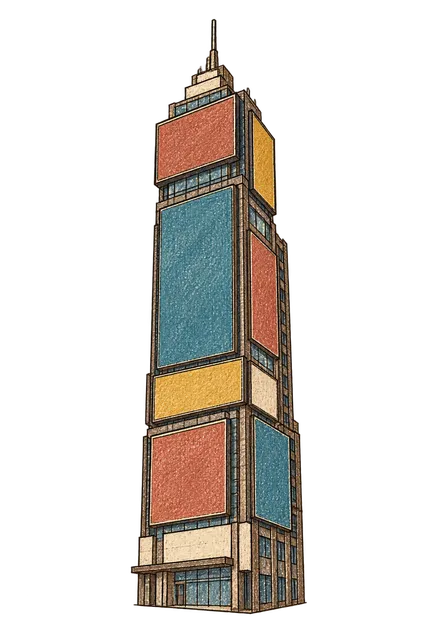
A route page based on the stops you made
Write the places you visited in order before adding illustrations. Use the yellow cab beside a ride you took and the Brooklyn Bridge beside a walk or a view you remember. Connect your notes with a simple line if it helps you follow the day across the page.
Keep any ticket or receipt readable, and add times or locations from your own records. You can also dedicate a separate page to the bridge: put a photograph on one side, write what you noticed on the other, and place the illustration below the text.


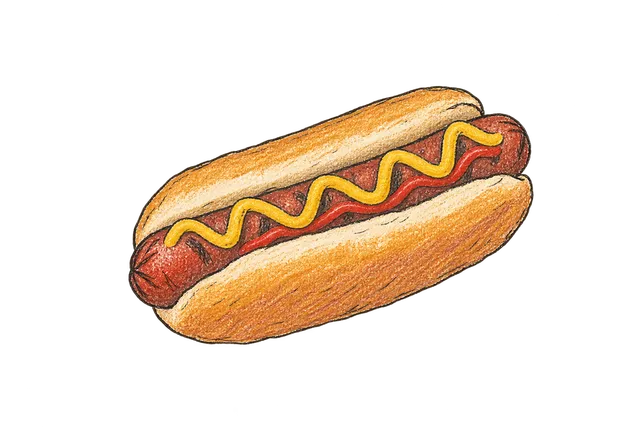
A short caption for a pizza or hot dog stop
Give a food memory its own small area. Put the pizza slice beside a food photograph and write where you ate it, who was with you or what you remember about the taste. Add the shop name from your notes if you want to find the place again.
The hot dog illustration can accompany another stop on the same page. Leave enough space between the two notes to tell them apart. If you kept a receipt, try placing the illustration at one corner and writing the meal caption beside it, with the printed details still visible.

An autumn walk and a takeaway coffee
The Central Park tree has orange and ochre leaves. Try it beside a photograph from an autumn walk, and repeat a little of its warm color in the date or caption. Choose the motif when it fits the season and the memory on your page.
The takeaway coffee cup can mark a pause during a longer day. Write what you were doing while you drank it or what you noticed around you. A small cup beside the date also leaves room for a longer paragraph about the walk.


Adding the little illustrations to your journal
Sign in on the collection page to download the nine original PNG files. The full ZIP includes every illustration in the collection. Use a journal app that supports importing images, or arrange a test print for a paper scrapbook.
- Extract the ZIP and choose a PNG.
- Import the image onto your journal page.
- Keep its proportions as you resize it.
- Move it clear of the writing and the details you want to keep visible.
- Check the page at a comfortable reading size.
Each file has a transparent background outside the subject. The cab, food and other colored areas remain visible and can cover something beneath them. Import the original PNG and check it over your page color before settling on the placement.
Collection · 9 illustrationsLittle New York MomentsView collection