
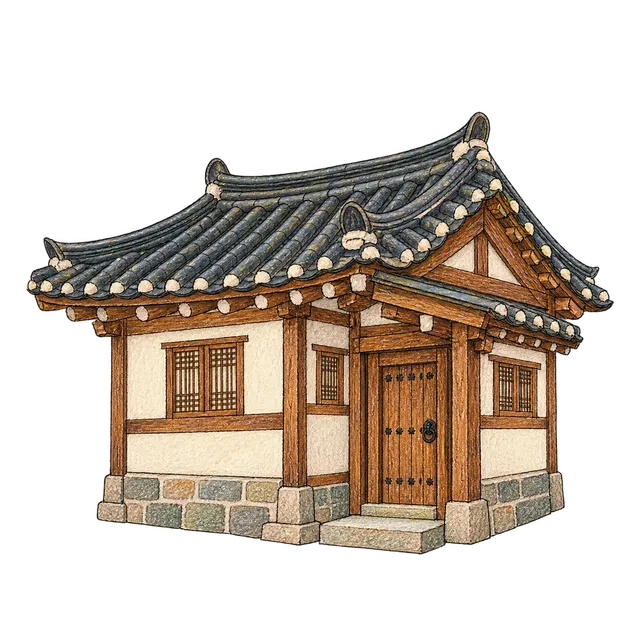
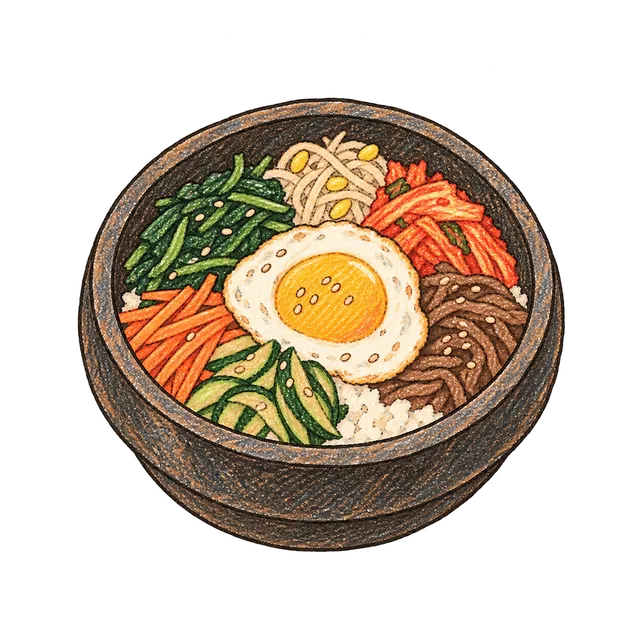
Start a Seoul travel journal page by placing the date and a photograph, then add a small sticker for a detail you want to remember. Write about the lane you walked beside a hanok illustration, or note a meal beside a bowl of bibimbap. Decide where the photograph and writing will sit before decorating the remaining space.
서울의 작은 여행 contains nine transparent PNG illustrations of Seoul architecture, transport and food. These AI-generated images have an ink and colored-pencil look. Each illustration is a separate file, so you can choose the detail that fits your entry.
A Seoul photo diary with one main photograph
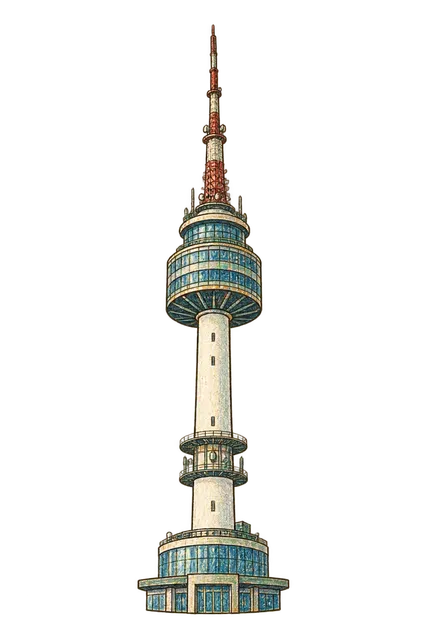
Place a photograph near the top or on one side of the page, with the date and location below it. For a day with a Namsan Seoul Tower photograph, try a small tower illustration beside the caption. A hanok can sit next to a photograph from a walk through a lane of traditional houses.
Below the heading, write one sentence about the moment you remember most clearly. Move the illustration toward the edge when you need more room for a longer entry. Try the tall tower in a narrow margin and the wider hanok beneath a photograph, then adjust the size while reading the page.
Connecting transport notes and a walk by the river
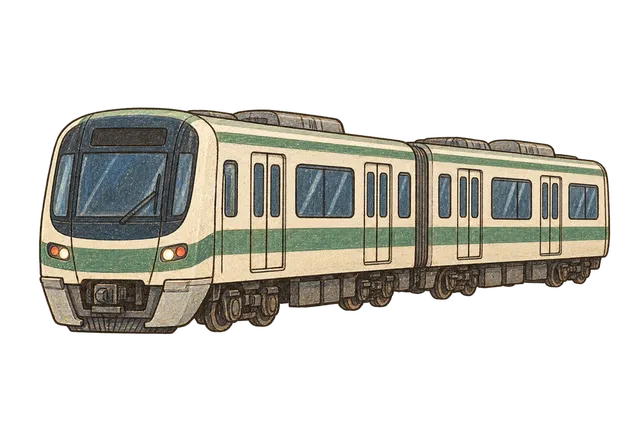
Write the stations you used beside the metro illustration. Under the Han River bridge, note the time of your walk or something you saw along the water. To record a route, list the places you actually visited in order and connect them with a small line.
If you include a ticket or a photograph of your transport card, keep its useful text visible by placing the illustration apart from it. Use information you checked for the route or location; the illustration is a decoration for the entry. A short transport note can also sit beside a wider landscape photograph.

A meal remembered beside a food sticker
Try writing where you ate and what you remember about the taste beside the bibimbap illustration. With a food photograph, add a short caption below the image and put a small illustrated bowl near the corner. Refer to a receipt or your own notes when recording a price or menu item.
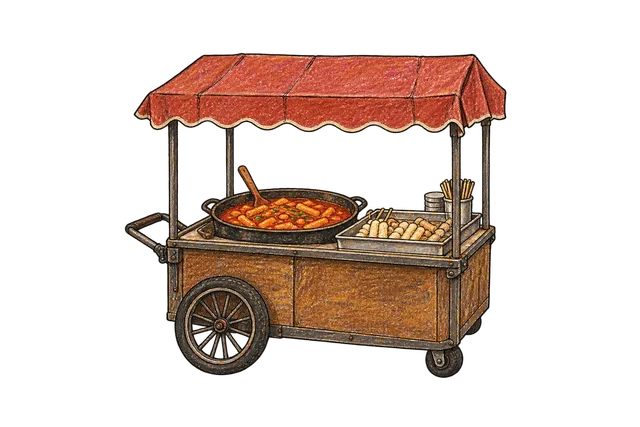
The street food cart can mark a brief stop for something to eat. Write what you chose or who joined you. The food illustrations already contain several colors, so try a simple background and one pen color for the words around them.
Seasonal details and a shop in the margin
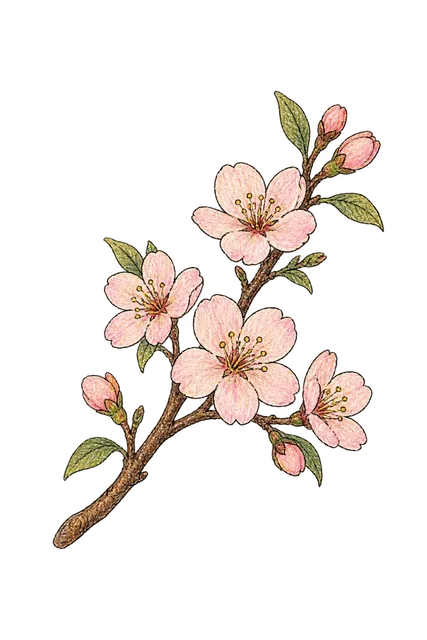
Use the cherry blossom branch beside a photograph taken when flowers were in bloom or a note about a spring trip. Try repeating a little of its pink beneath the date. Choose a motif that matches the season of the trip you are recording.
The small Myeongdong shop can accompany shopping notes or an entry about a walk through the streets. Write a shop name and an object you want to remember, then add a photograph of a bag or receipt if you kept one. Try the tall shop in a lower corner, leaving the main writing area open.

Adding the little illustrations to your journal
Sign in on the collection page to download the original PNGs. The full ZIP includes nine illustrations, including the additional pieces outside the main canvas. Choose a file and add it through the image import feature in your journal app.
- Extract the downloaded ZIP.
- Add the PNG you want as an image on the page.
- Resize it while keeping its original proportions.
- Move it clear of useful text and details in the photograph.
- Zoom in and out to check the fine lines.
The background outside each illustration is transparent. Colored areas such as a wall or a bowl can cover the content beneath them, so check any overlap with your photograph. For a paper journal, make a test print at the size you want before choosing where to cut and attach the piece.
Collection · 9 illustrations서울의 작은 여행View collection